To get paid via direct deposit, providers must set up a Stripe account from your ActivityHero account dashboard.
NOTE: If your business already has a Stripe account, you still need to complete this process to create a Stripe Express account connected to ActivityHero.
1) Log in to your ActivityHero dashboard
Click Create your Stripe account in the email sent to you. Click Accept and Continue in your dashboard to start your Stripe account. If you did not receive an email, submit a support request for your personalized onboarding link.
2) Create a Stripe account with your business email.
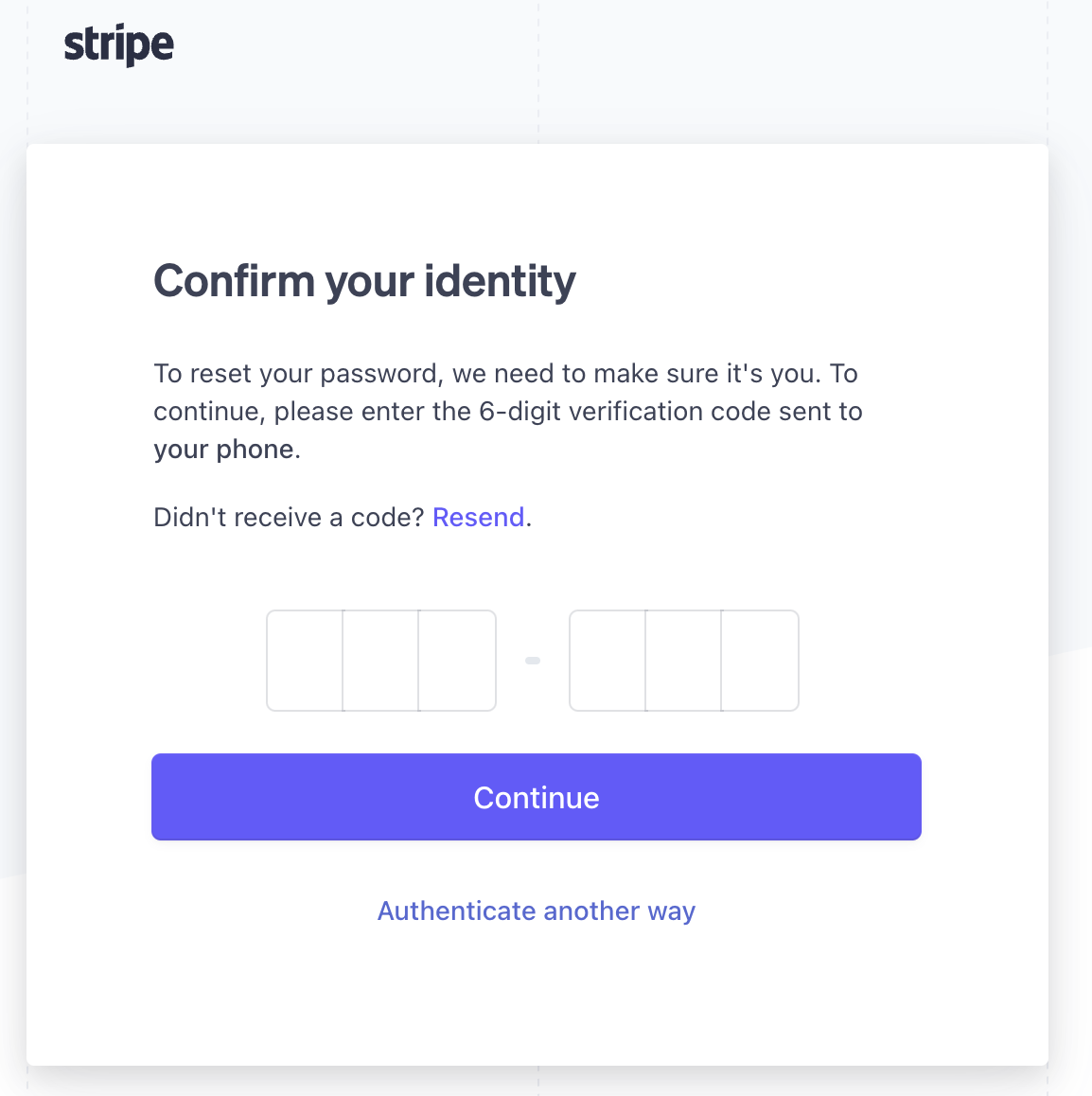
You are sometimes prompted to confirm your identity for security purposes.
NOTE: If you do not see the ActivityHero logo on the left side of the Stripe screen at any point, stop and submit a support request for assistance.
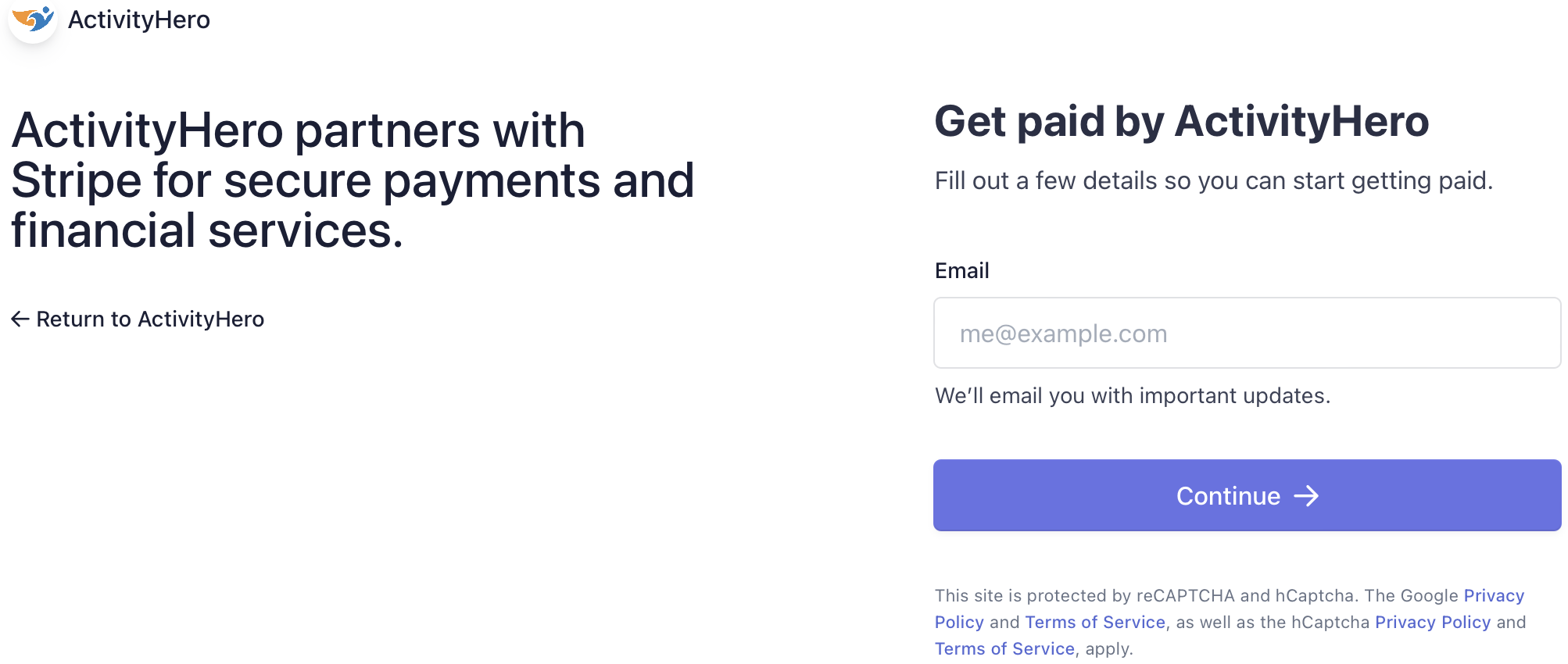
3) Provide details about your business.
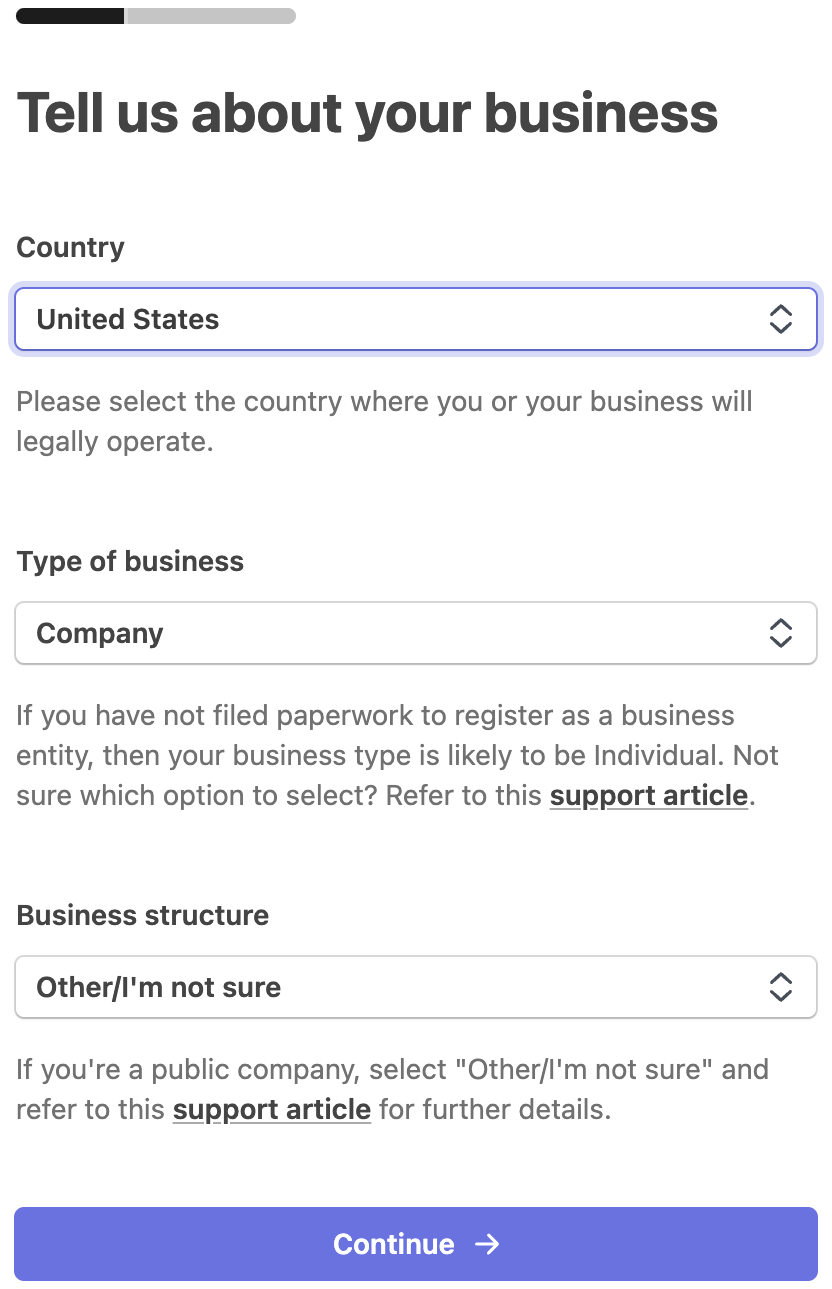
Stripe asks whether you are an individual or a company. Select Individual for the Type of Business if you do not file corporate taxes (IRS Form 1120).
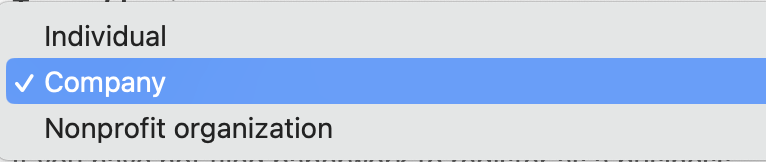
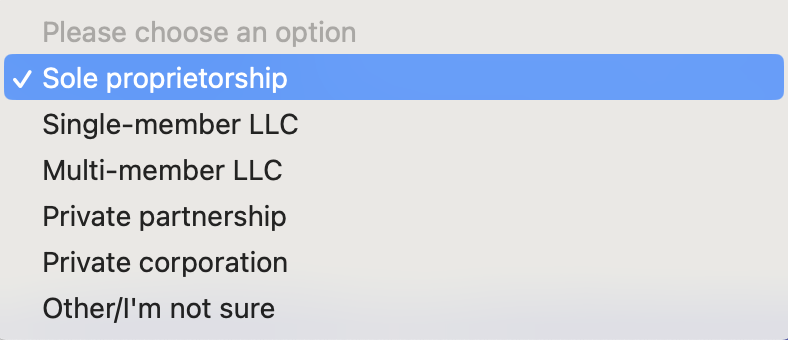
If you are a company, Stripe asks you to identify your business structure.
4) Confirm your identity and contact information.
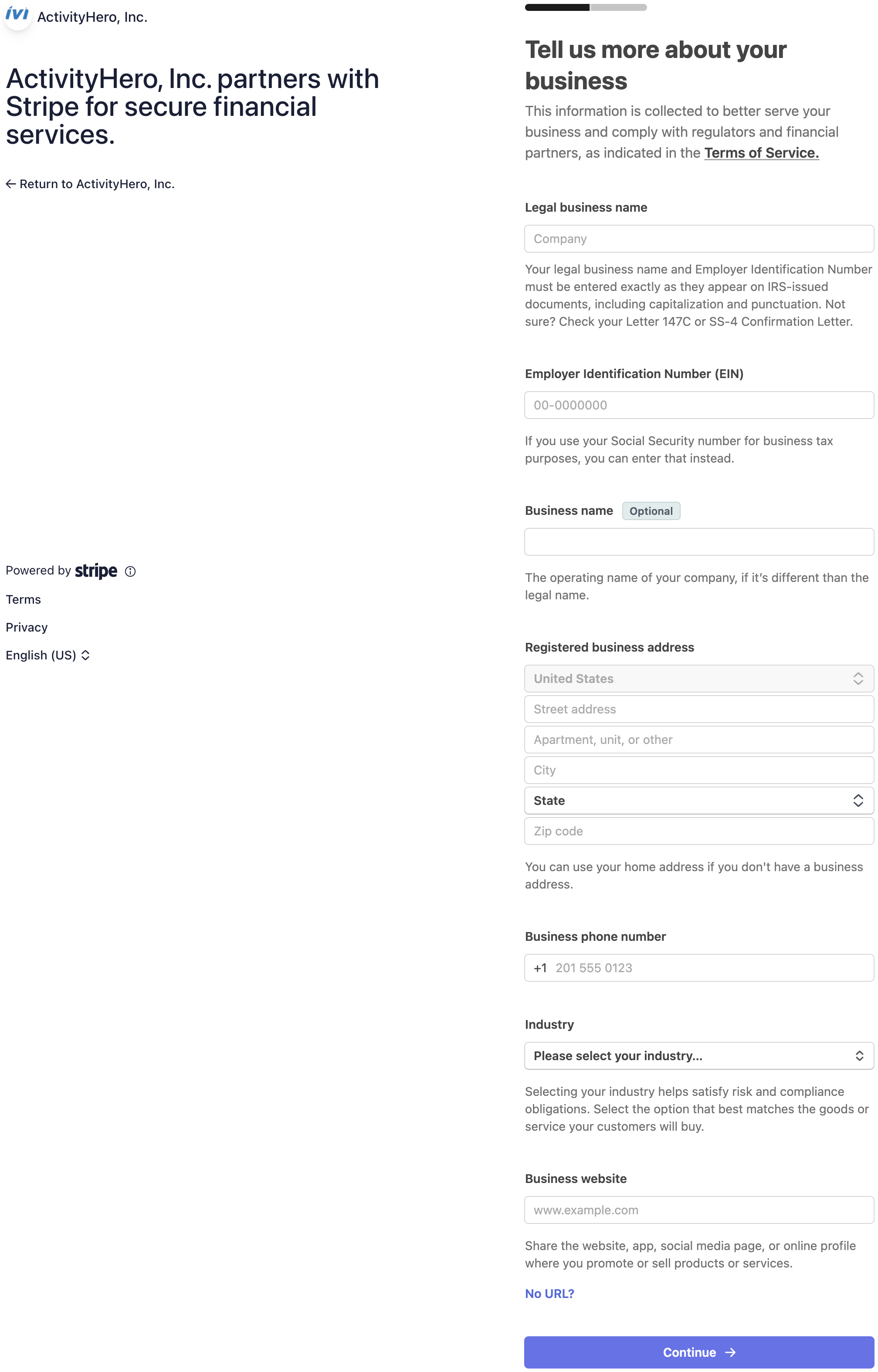
If you selected company in the previous step, you need your business EIN or your social security number if you use that for tax purposes.
For companies and individuals, Stripe needs your personal details to confirm you are authorized to create this account. This is important for payment security purposes.
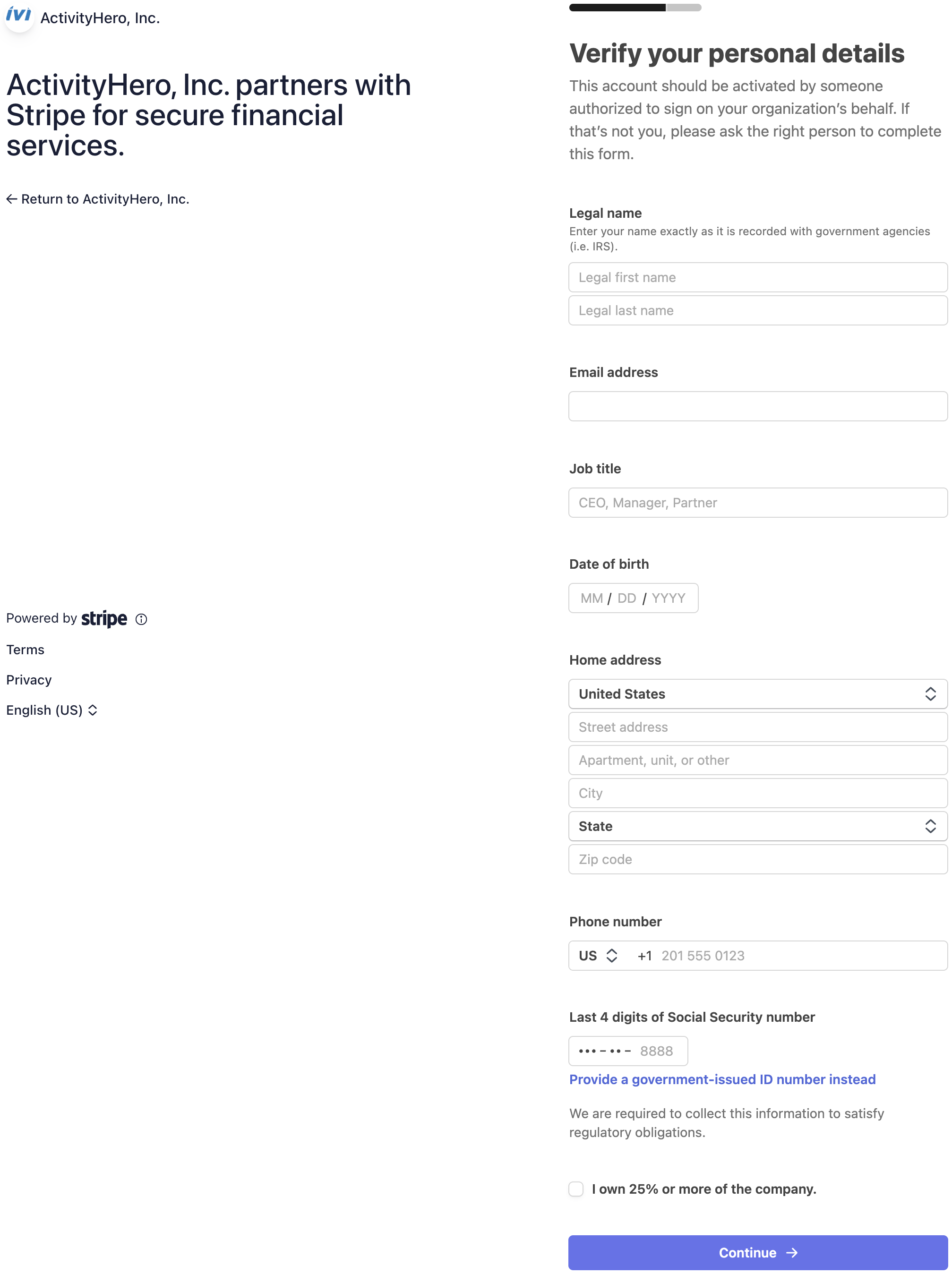
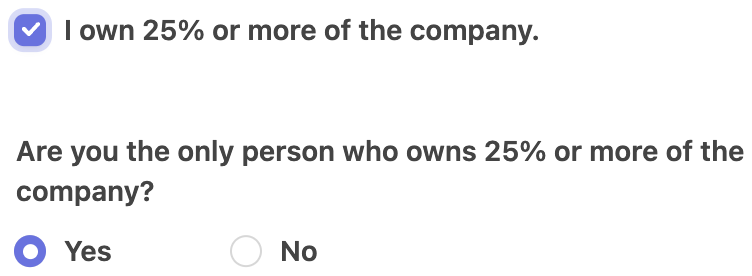
NOTE: Stripe requests additional information if you identify others who own 25% or more of your company. If the secondary owner(s) cannot be connected to your business through public records, this could cause a delay in approval. submit a support request if you have questions.
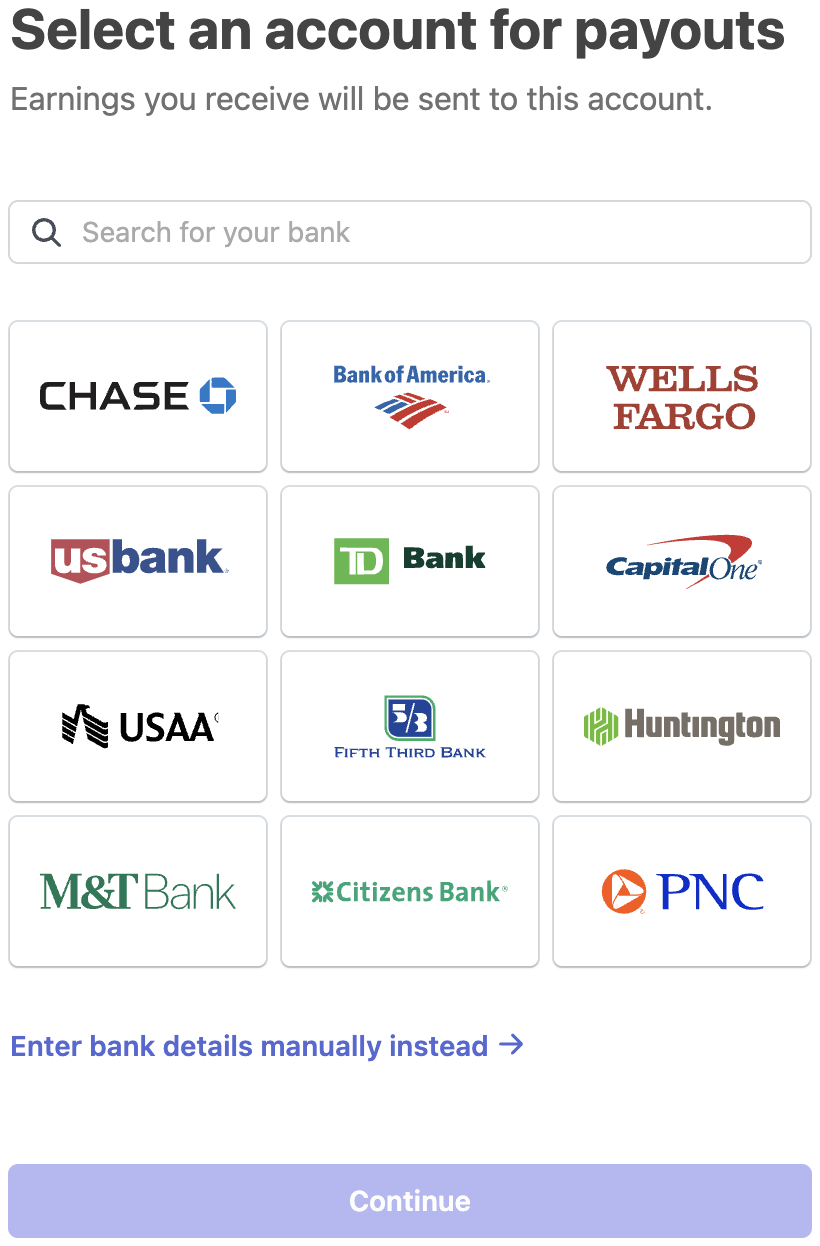
5) Add your banking information for where you want to receive payouts.
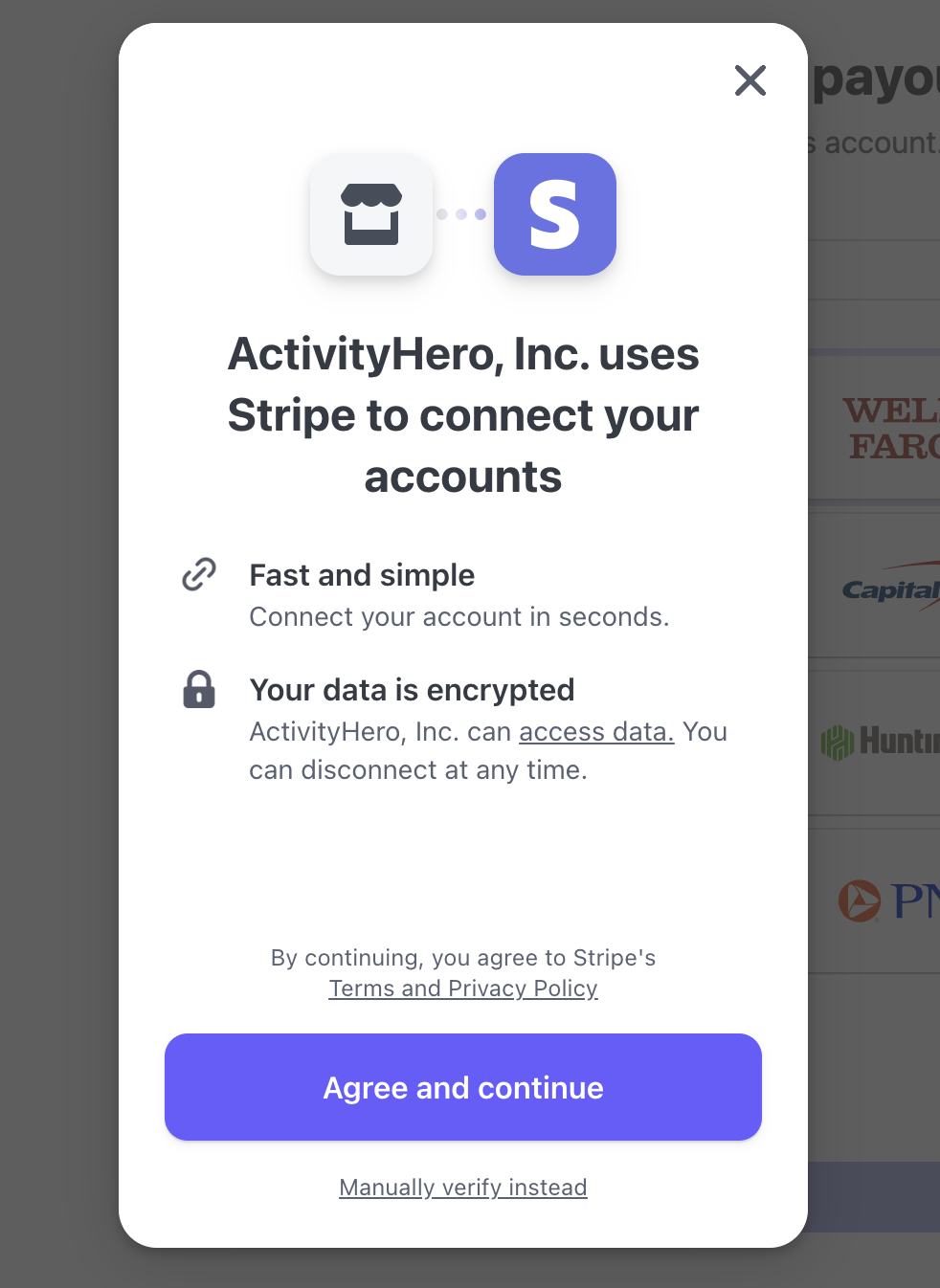
If your bank is listed, you can use your online bank account login to connect to Stripe through a secure process. Or, manually type your routing and account information.
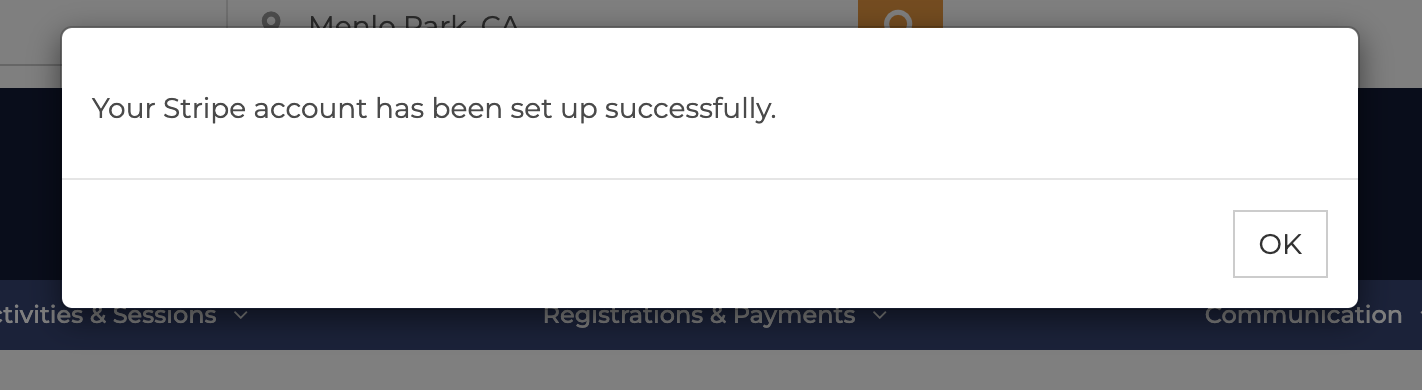
6) Success! Your account is ready for direct deposit payouts from ActivityHero.
This message appears on your ActivityHero dashboard, and you have access to your Stripe payment dashboard to track earnings.
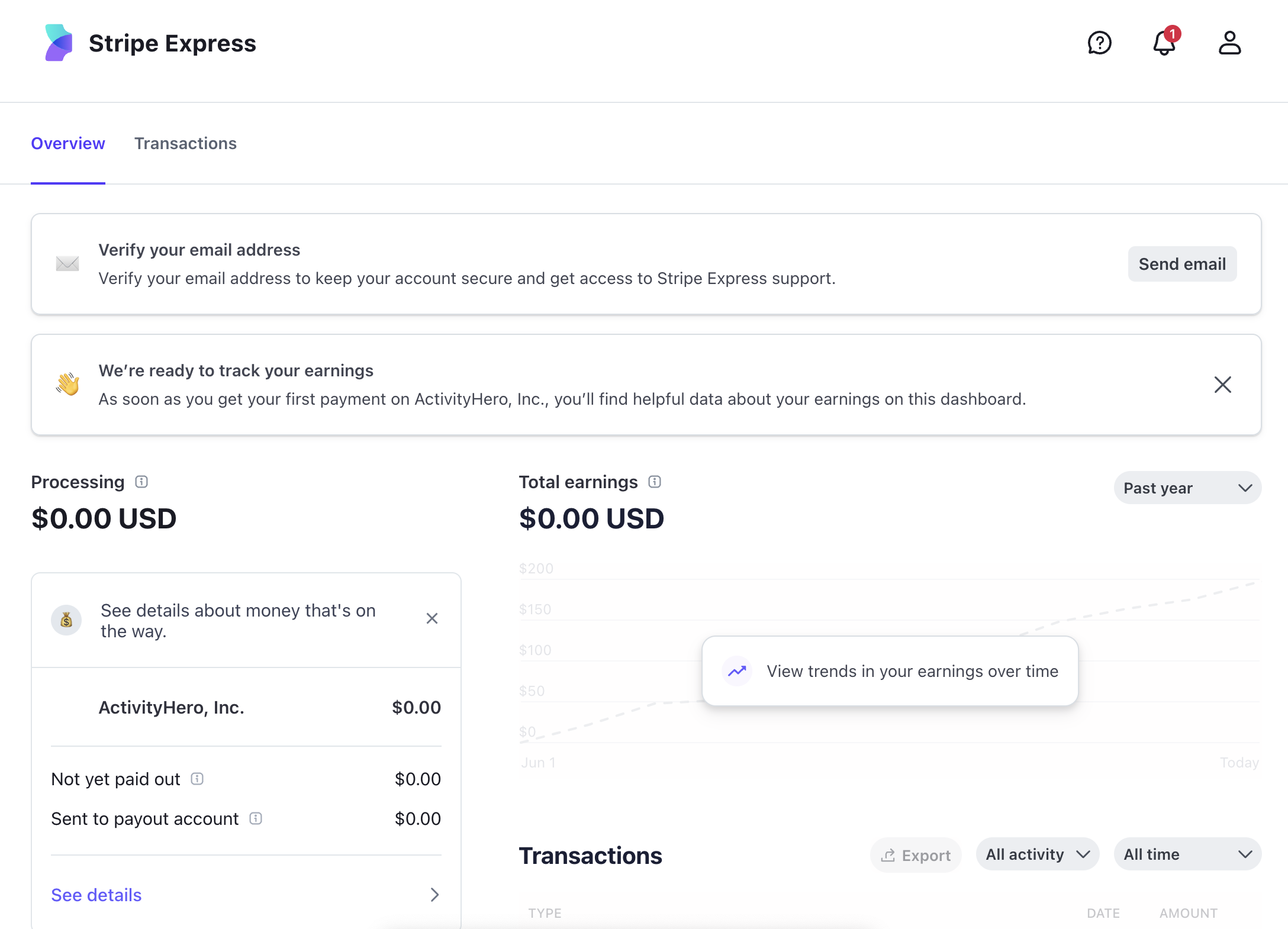
If you see a message that says Payouts are currently paused, this is temporary and your payouts are issued according to your account's payment schedule.
The name on the customer's credit card statement is the first 22 characters of your business name in ActivityHero. The only characters allowed are A-Z, numbers, and. + * -. All other characters such as ( ), &, ! ' are removed because they are not allowed in Stripe's statement descriptor.
FAQ:
Q: My customer is trying to register but sees this message when checking out
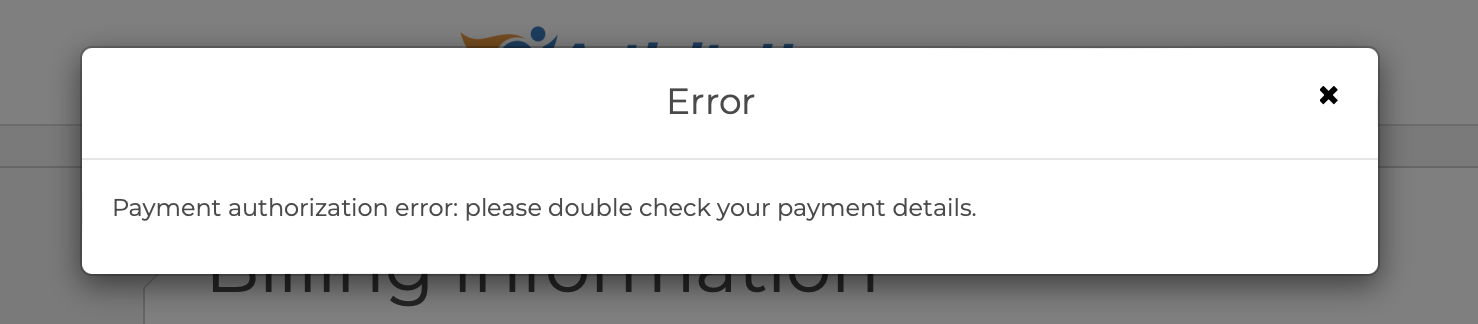
A: This error message means that your Stripe account is not complete. Log in to Stripe and finish the setup.
Was this article helpful?
That’s Great!
Thank you for your feedback
Sorry! We couldn't be helpful
Thank you for your feedback
Feedback sent
We appreciate your effort and will try to fix the article