After you have created your Stripe Express account with ActivityHero, you can log in to Stripe to do things such as:
- Change the bank where funds are deposited
- Update contact information
- Download deposit amounts or payment details
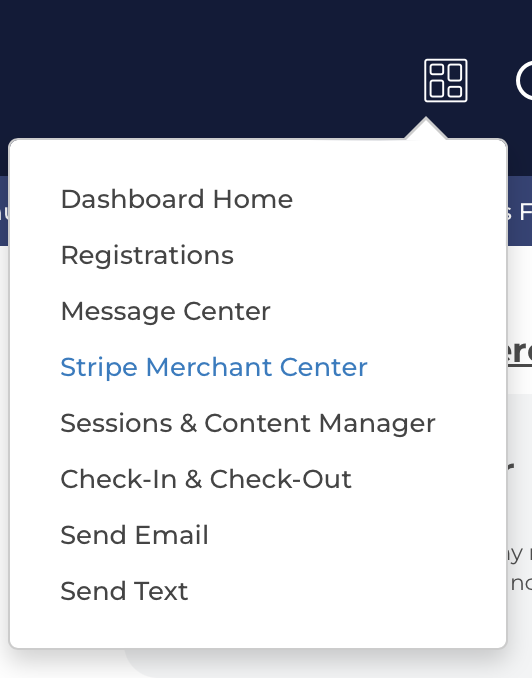
To log in to Stripe, go to your ActivityHero Dashboard and click the Dashboard icon. Select Stripe Merchant Center.
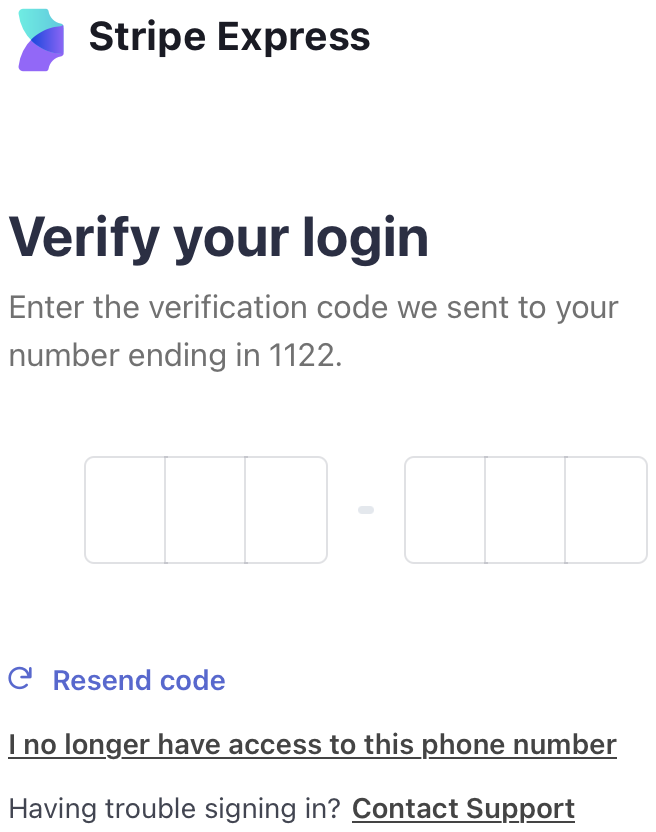
The next page verifies your login by sending a code to the phone number on your account. Type the code to log in.
Was this article helpful?
That’s Great!
Thank you for your feedback
Sorry! We couldn't be helpful
Thank you for your feedback
Feedback sent
We appreciate your effort and will try to fix the article