About the Stripe 1099-K
What if I did not receive a 1099-K?
Form 1099-K is automatically sent if you have a Stripe account. This is required by the IRS.
About the Stripe 1099-K
If you had over $20,000 in payments and over 200 transactions in the 2025 calendar year, you receive an email from Stripe with the subject "Your ActivityHero 1099 tax form is ready". This email has a View 1099 Tax Form link.
When you click the link, you are directed to log in to your Stripe account and then you see a page like this:
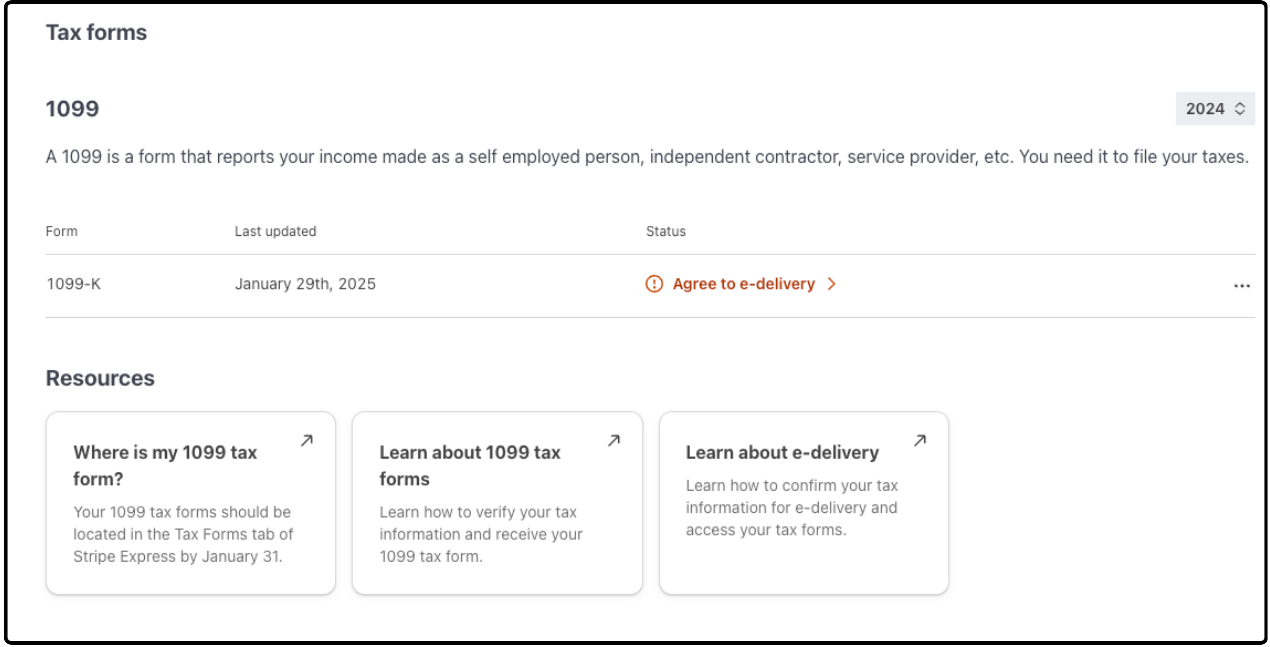
Click Agree to e-delivery to see the next page, which is a list of disclosures.
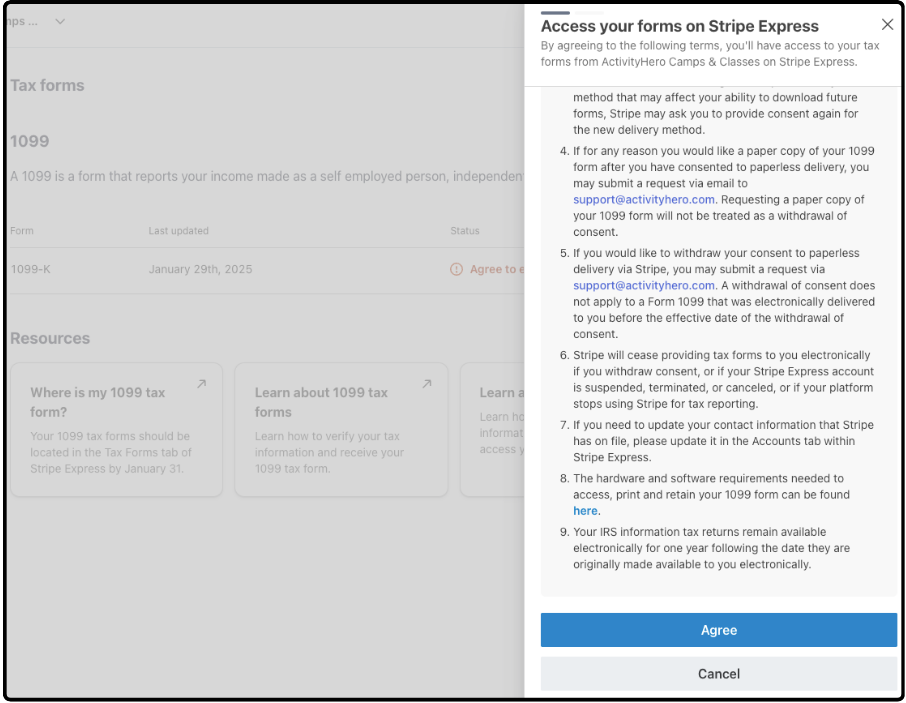
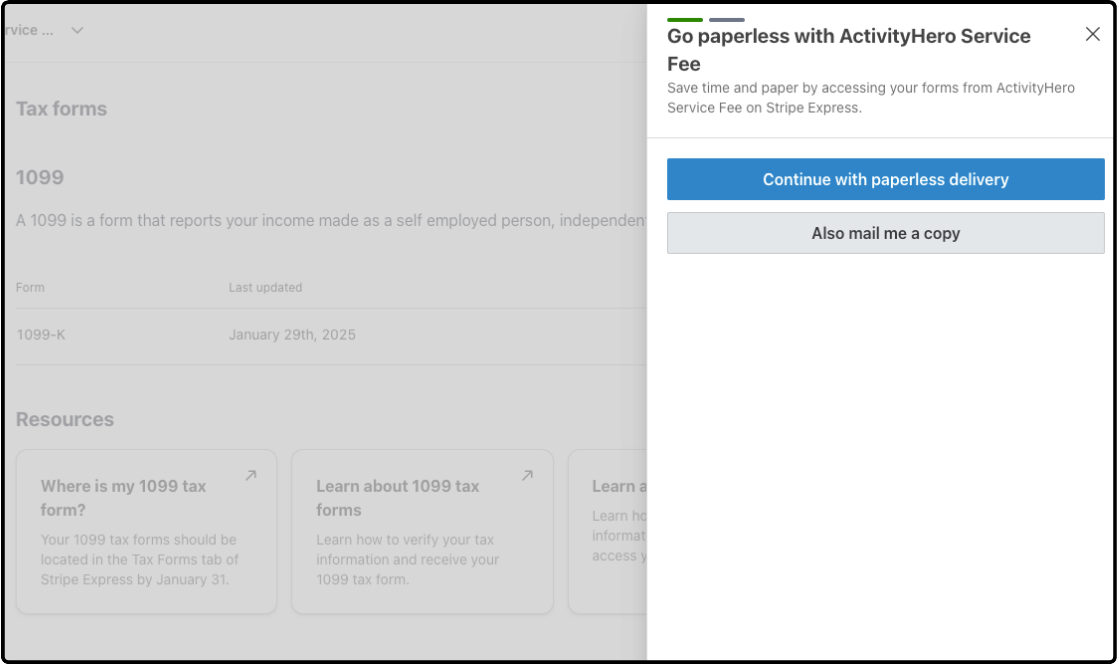
After you click Agree, you can select paperless delivery, which allows you to view the 1099 form online, or you can also request a mailed copy of the 1099 form.
Select the mailed copy only if it is needed. Stripe charges the platform (ActivityHero) a fee for mailed forms, and opting into paperless delivery reduces waste and fees.
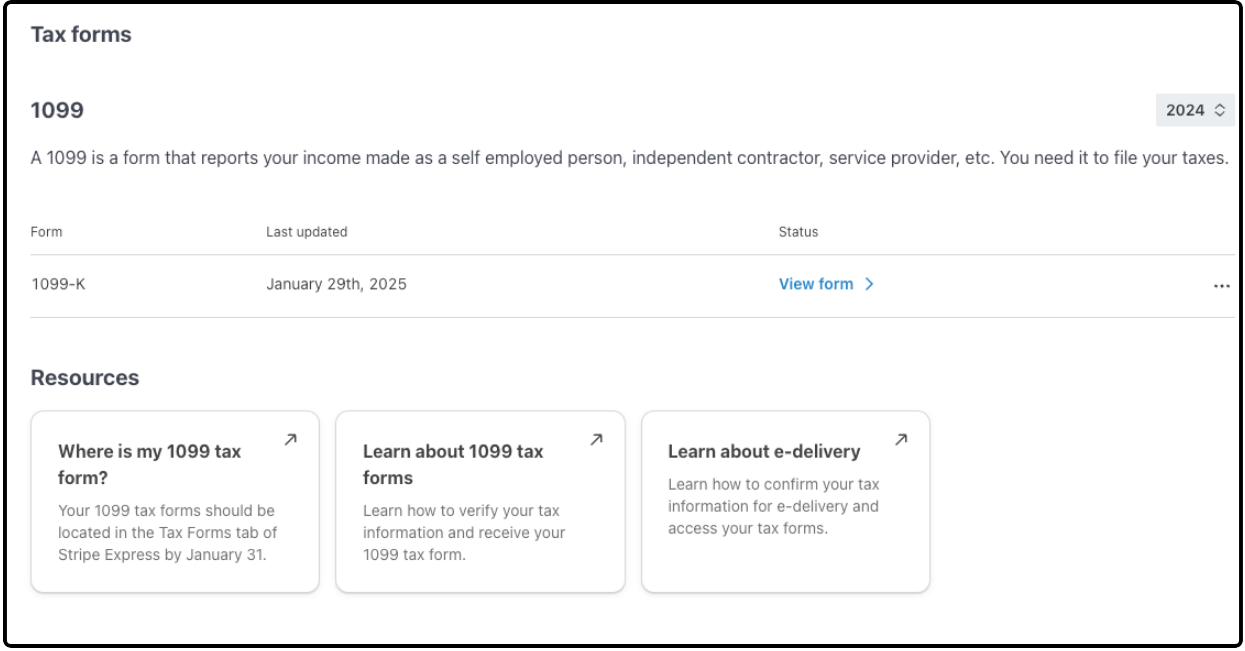
After you make your selection, you can click View form to see your actual 1099-K.
The amount reported in the Stripe 1099-K is the gross amount of credit card transactions. It does not deduct credit card refunds (if any), credit card fees, and ActivityHero fees. The amount that was deposited to you during the year is lower due to deductions from credit card refunds (if any), credit card fees, and ActivityHero fees. There can also be variances if the registration was in one year but the deposit was not until the next year.
- Transaction or Create Date: when the credit card user completes the charge. This is the date used by ActivityHero in its reporting.
- Available on Date: when Stripe makes the funds available in the Stripe account. This is typically one day after the Create Date but can range from one to five days. This date is used for Stripe's 1099-K reporting.
- Payout Date: when the funds are actually paid out. This most closely aligns with your bank statement deposits.
Most businesses typically deduct refunds from their income and categorize credit card and other fees as expenses.
You can find a summary of refunds and fees paid in a report called Credit Card Transaction Summary in the ActivityHero Dashboard (navigate to Registration Reports > Annual Report).
The amount in Credit Card & Fees Deducted is the amount deducted from your registration payments made by credit card. The amount you received from registrations should be (credit card transactions) - (refunds) - (credit card & fees deducted).

The Other ActivityHero Fees amount includes fees that were paid directly to ActivityHero, such as setup fees and boost fees.
review this section carefully and send it to your accountant to recognize your revenue and expenses properly.
What if I did not receive a 1099-K? ↑
If you had less than $20,000 in credit card transactions or less than 200 transactions in 2025, a 1099-K form is not issued. However, you can find a summary of the credit card transactions, refunds, and fees paid in a report called Credit Card Transaction Summary in the ActivityHero Dashboard (navigate to Registration Reports > Annual Report).
If you do not have a WePay or Stripe account and you received payments from ActivityHero, you receive a 1099-K form directly from ActivityHero if your 2025 activity exceeded the reporting threshold of $20,000 and 200 transactions. If you established your own Stripe connected account mid-year, note that the threshold is applied to your total 2025 activity.
Stripe has the 1099 tax form in the Tax Forms section by January 31. Stripe also mails the form unless you opt for paperless delivery.
Was this article helpful?
That’s Great!
Thank you for your feedback
Sorry! We couldn't be helpful
Thank you for your feedback
Feedback sent
We appreciate your effort and will try to fix the article