The Tiered Pricing feature allows you to offer multiple prices based on student status or specific criteria.
TABLE OF CONTENTS
Note: This feature is not enabled for all providers. To have this feature added to your listing, submit a support request.
Setting Up Tier Pricing ↑
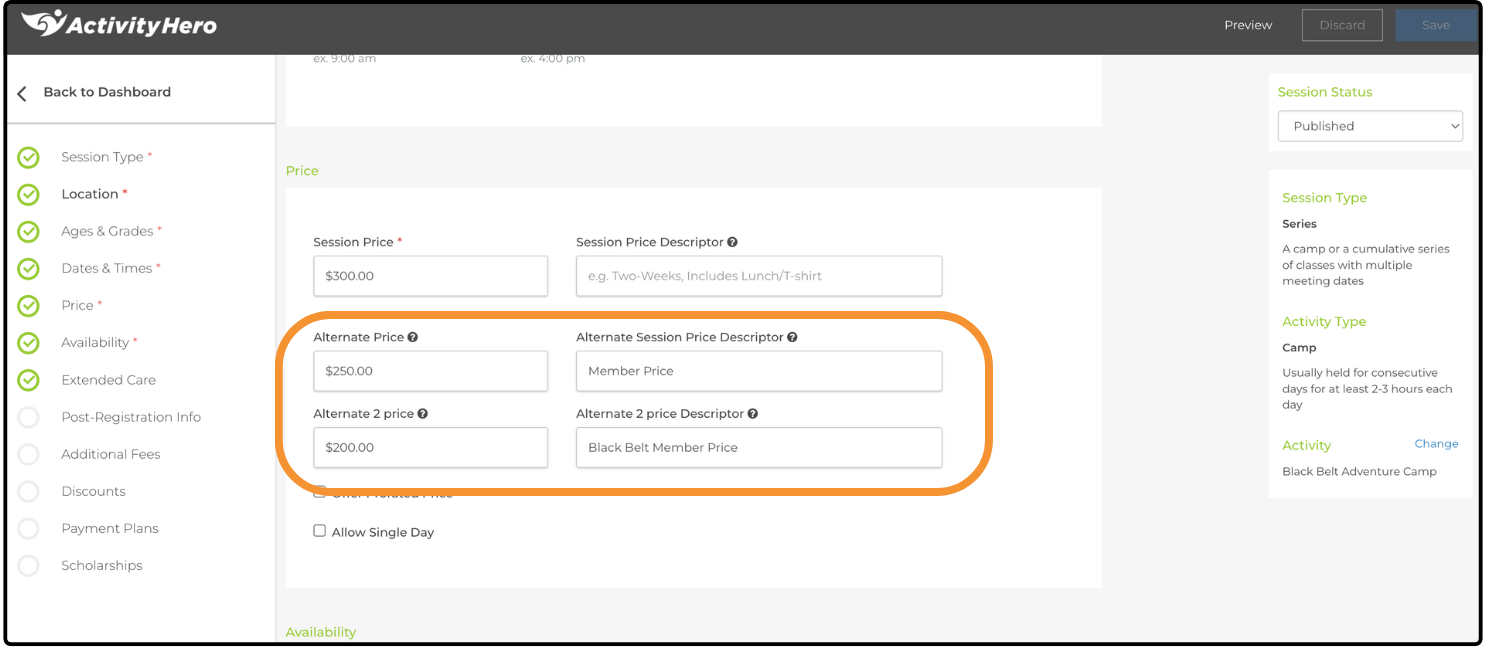
- From your Dashboard, hover over Activities & Sessions and click Sessions & Content Manager.
- Create a new session or edit an existing session.
- In the Price section, two alternate price fields with description options are displayed.
- Enter the alternate price and a description.
- The Price Descriptor is required and must match the participant's Price Type. If they do not match, the participant receives an error message when attempting to register.
- Complete the session setup process, then click Save & Publish.
Checkout Process ↑
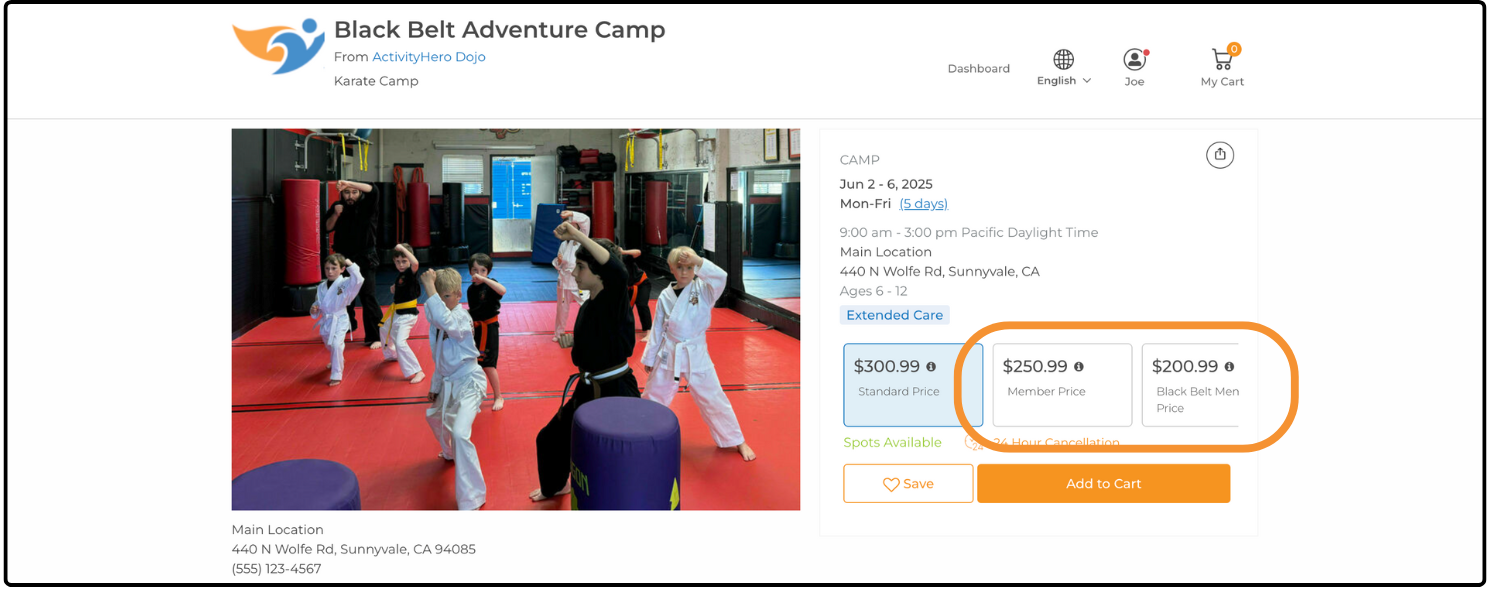
1. Add the session to your cart.
2. View your cart and add a participant.
3. The user will need to verify through a one-time password. Once verified, they will see the price that applies to their student.
4. Complete the checkout process and submit payment, if applicable.
The Tiered Pricing feature provides flexibility to offer exclusive pricing to verified students. By enabling Tiered Prices and setting up alternate pricing, you can ensure that eligible students receive the correct price.
Was this article helpful?
That’s Great!
Thank you for your feedback
Sorry! We couldn't be helpful
Thank you for your feedback
Feedback sent
We appreciate your effort and will try to fix the article