When you have more interest than spots available, you can set up a lottery to randomly select students to be enrolled.
Create a lottery to randomly select participants for a session. A lottery can only be applied to sessions that are free.
How it works:
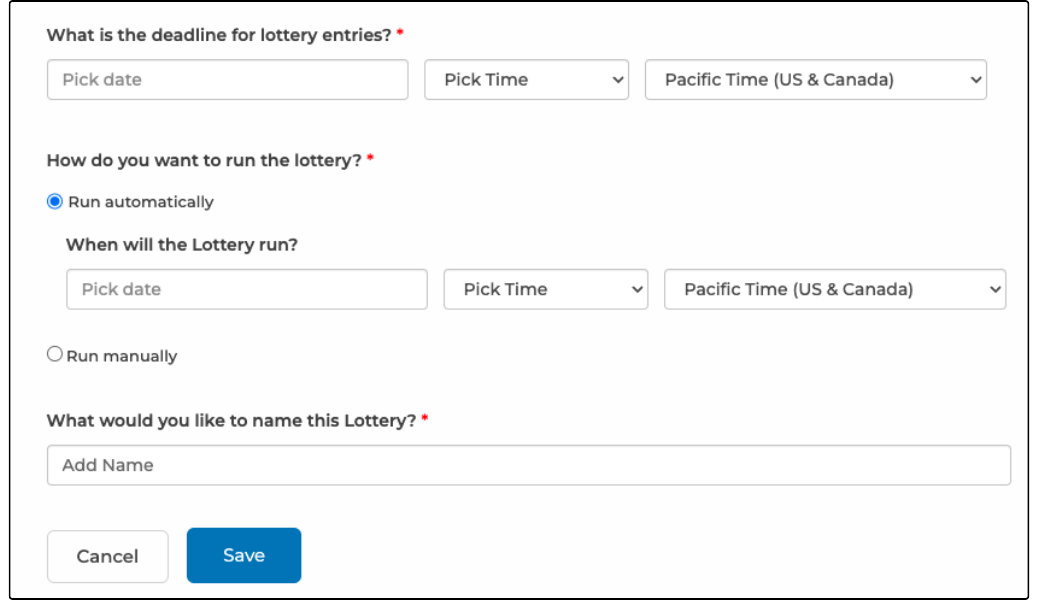
- Create the lottery by defining a lottery deadline (date and time). The lottery can be run automatically on a specific date and time, or you can run it manually at any time after the lottery deadline.
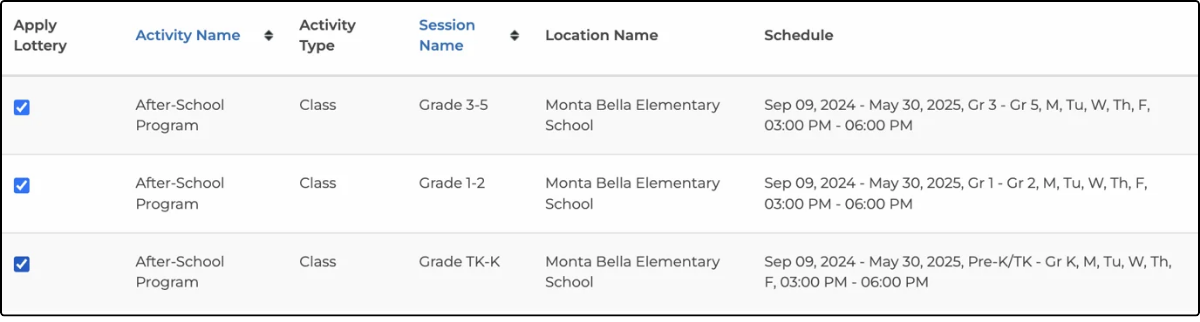
2. Next, select session(s) that are part of the lottery.
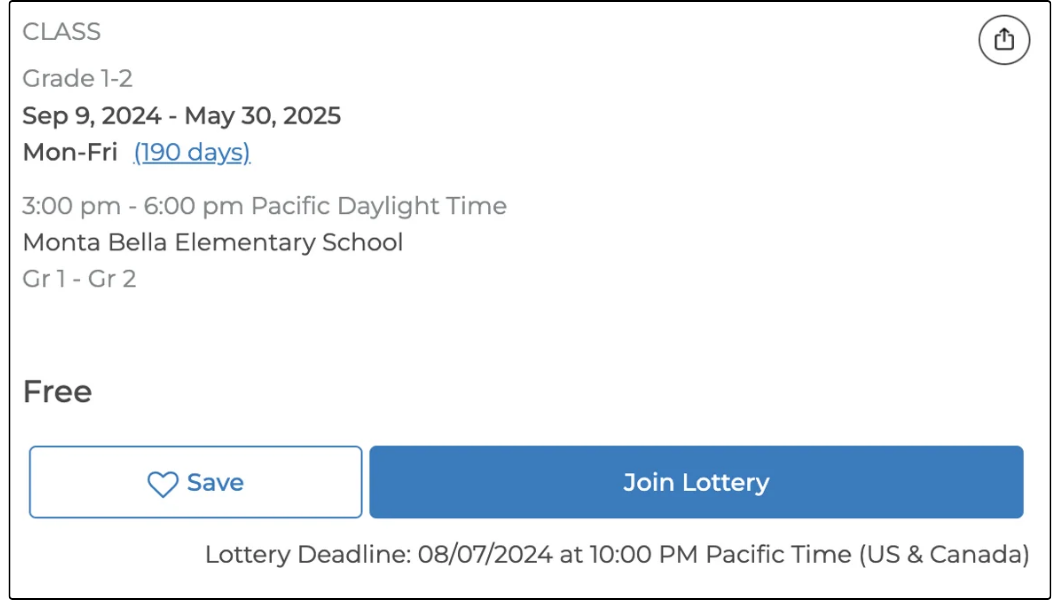
3. The sessions that are part of a lottery display Join Lottery. Families add participants by clicking Join Lottery and then selecting the participants. They can add participants to as many sessions as they want, as long as the participant has not already been entered into a lottery for a session held on the same day and time. Participants must be entered before the deadline to be part of the lottery.
4. On the lottery date, the system randomly selects participants for each session. If you select Run manually, a Run Lottery link is displayed on this page. Participants are selected according to these rules:
a. The system iterates through all the lottery entries one by one in a random order.
b. For each lottery entry, the system checks that the participant is not registered for another session, which would cause a schedule conflict. If there is a conflict, that participant is not given a spot in that session.
5. Families selected by the lottery receive email confirmation of their registered sessions. Families who were not selected by the lottery receive an email saying that they are still on the waitlist.
Lottery Status:
If the lottery deadline has not passed, the status is Will run automatically, provided the lottery was created to run automatically at a specific date and time. After the lottery has run, the status is Completed.
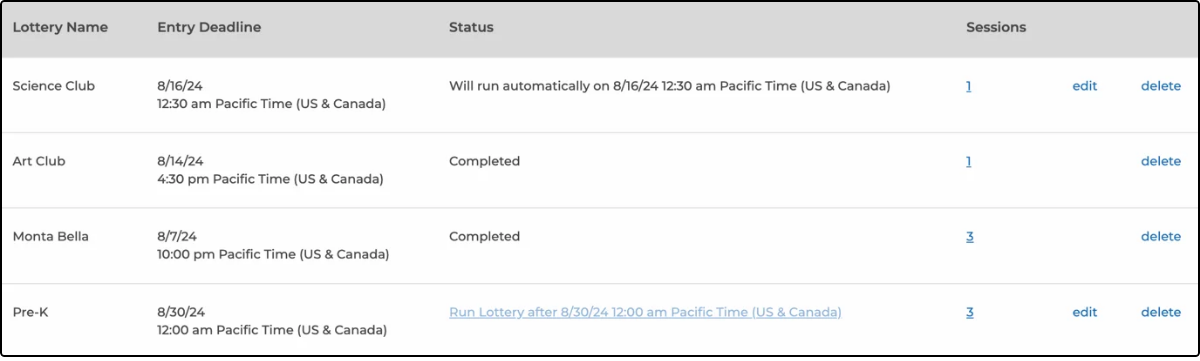
If you have chosen to run the lottery manually, the status link changes to Run Lottery. Click the link to start the lottery.
To see the number of lottery entries, click the number in the Sessions column to view the lottery sessions page.
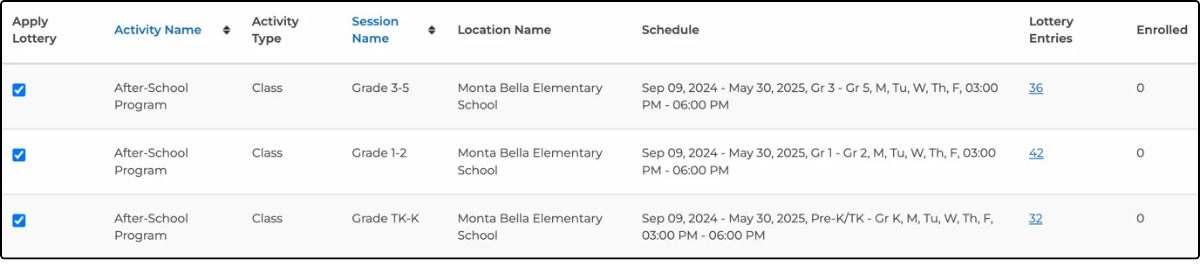
To run a lottery manually:
After the lottery deadline has passed, you can run a lottery manually. Navigate to the Lottery page and click the Run Lottery link for the lottery you want to run.

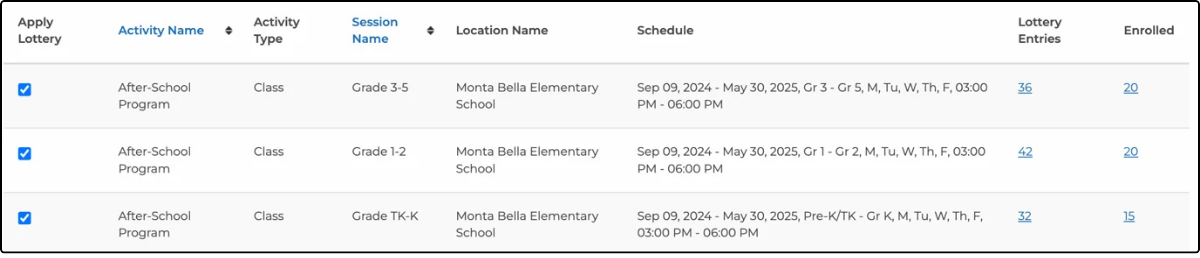
After the lottery has run, you can see the number enrolled on the lottery sessions page. Click the number to see the enrolled students.
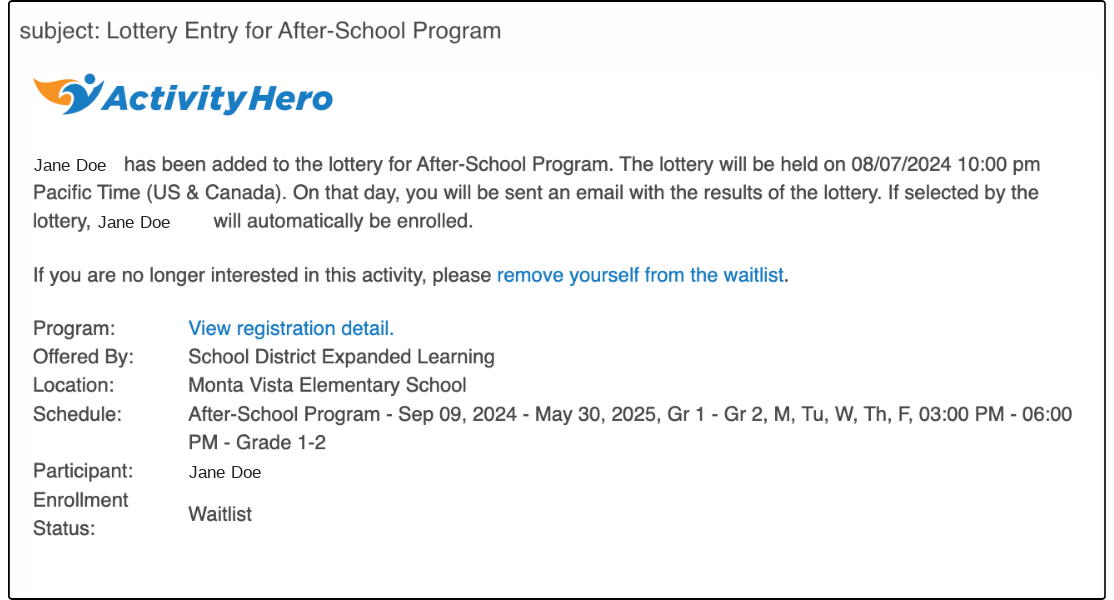
The following emails are sent before and after the lottery:
When the student is entered into the lottery, the family is sent a confirmation email that includes the lottery date and time.
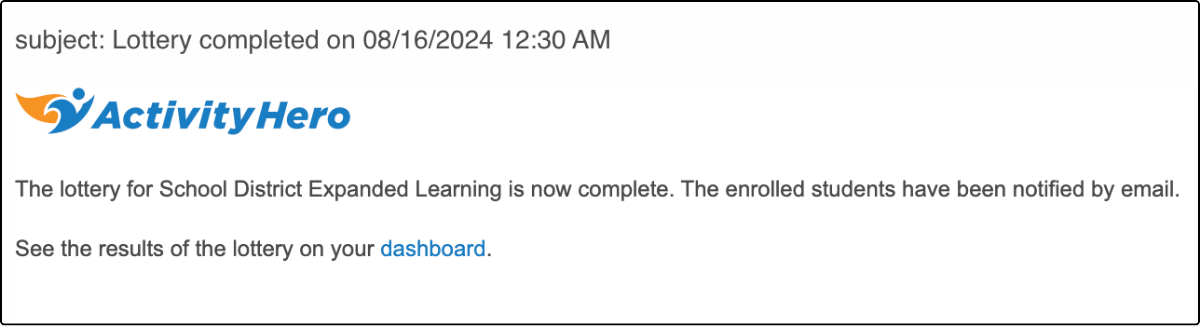
When the lottery is complete, you receive an email letting you know that students have been notified by email.
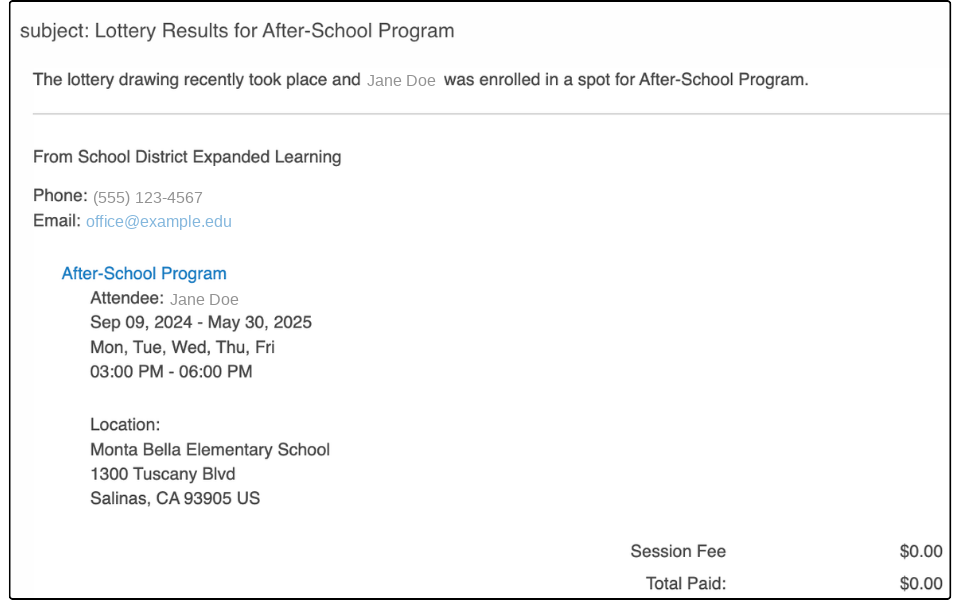
Students who were selected during the lottery receive an email saying they have a confirmed spot.
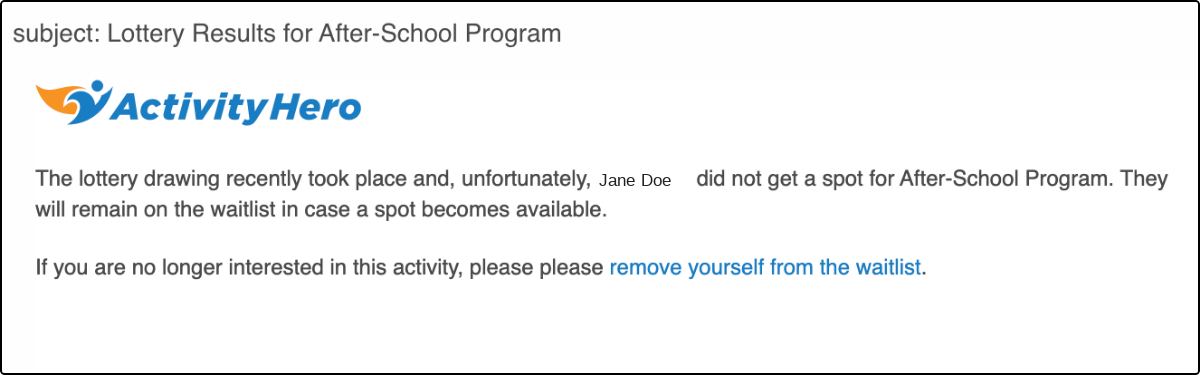
Students not selected by the lottery receive an email saying they remain on the waitlist. You can invite them off the waitlist if a spot becomes available.
Was this article helpful?
That’s Great!
Thank you for your feedback
Sorry! We couldn't be helpful
Thank you for your feedback
Feedback sent
We appreciate your effort and will try to fix the article